How to use DOPE
From a new rifle to a confirmed DOPE card in one range day. Each step uses the app’s own button names.
Add your rifle and first load
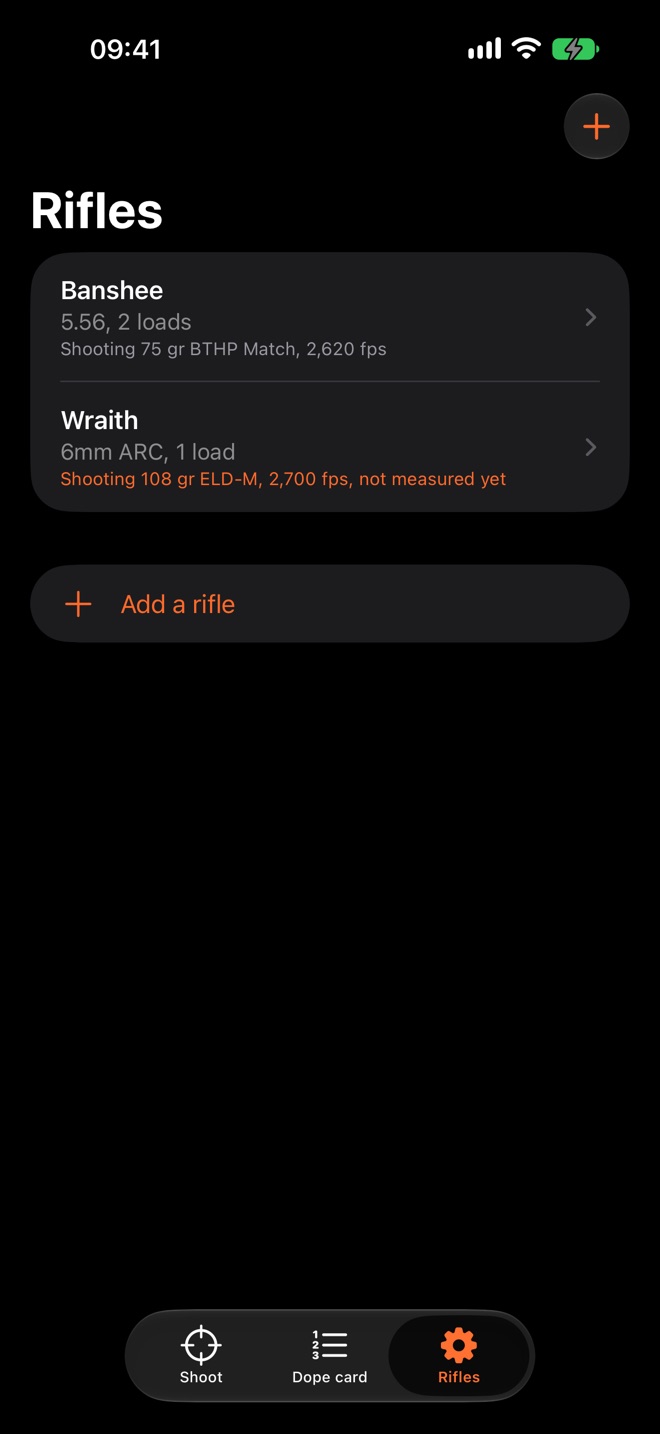
Open Rifles and tap Add a rifle. Fill in:
- Name, caliber and twist, for example Tikka, .308 Win, 1:10.
- Sight height: from the center of the bore to the center of the scope, in inches.
- Zero range and the longest range you shoot.
- Your first load: its name, bullet weight, muzzle velocity and G7 BC. The G7 BC is on the box or the maker’s site.
Tap Add. You can add more loads later from the rifle’s page.
Pick the load you’re shooting
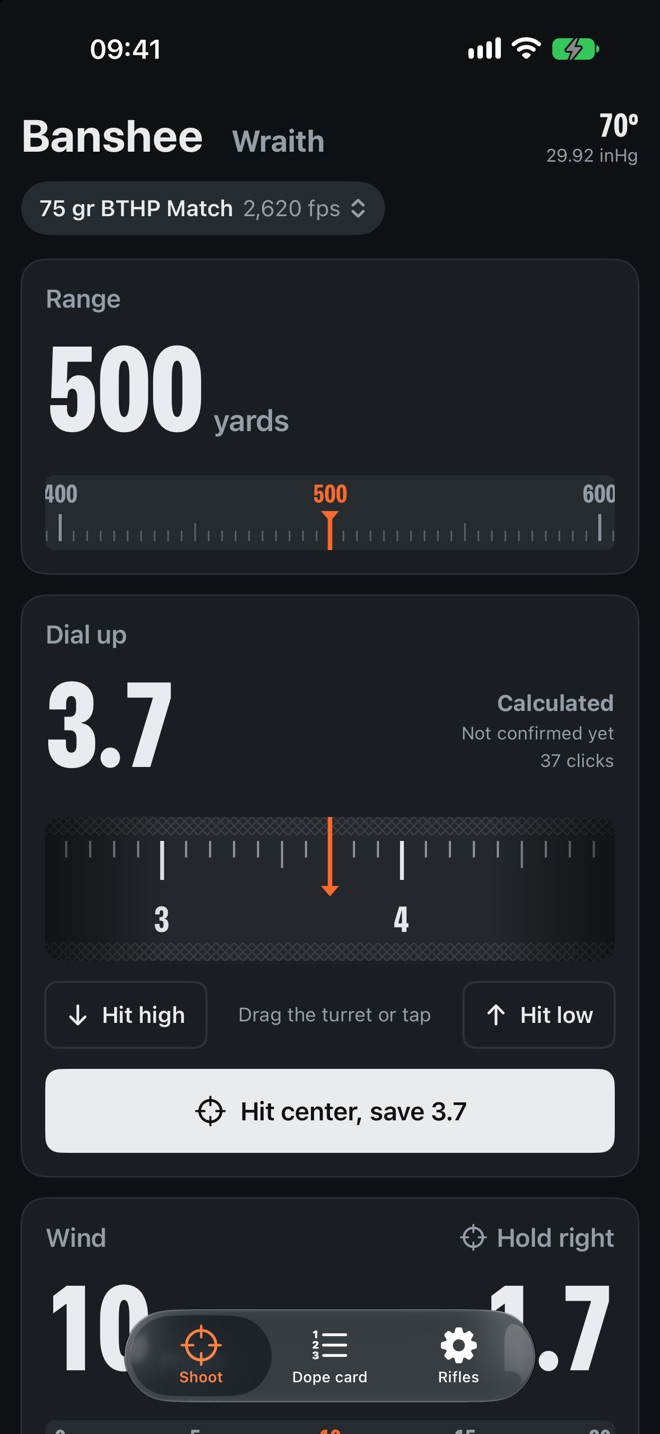
On Shoot, the button under the rifle name shows the load and its velocity. Tap it to switch. Each load keeps its own velocity and DOPE.
Have a Garmin chronograph? On the load’s page, tap Import Garmin session and use its average as your muzzle velocity.
Set the conditions
Tap the temperature at the top right of Shoot and set today’s temperature. Air pressure is read from the iPhone’s barometer.
Set the range
Drag the range ruler until the distance sits under the orange index, or tap the big number and type the yards. Ranges where you’ve saved DOPE carry a green dot on the ruler.
Dial the elevation
Dial up shows the mils and the clicks. Turn your elevation turret up that many clicks. The drum on screen is drawn the way your turret is marked, 0.1 mil per click.
Hold for wind
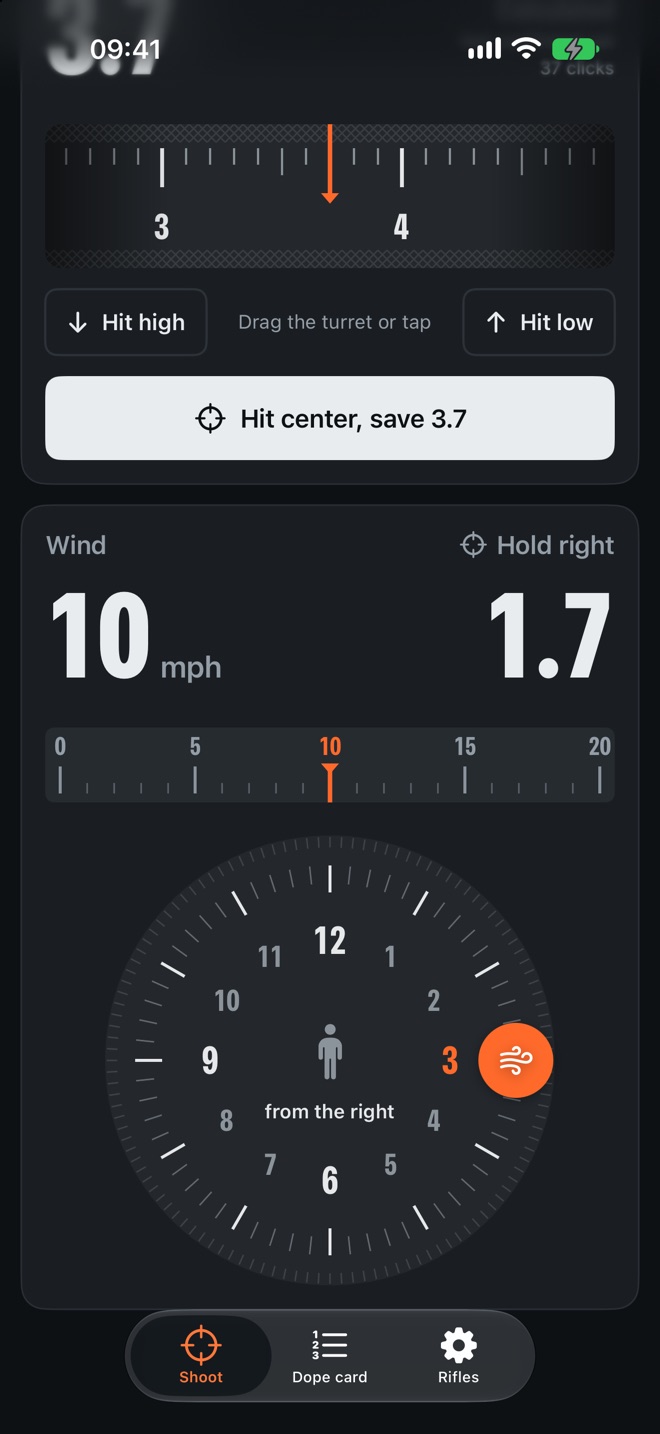
Drag the wind ruler to the speed, then drag the wind marker around the clock to where it blows from. 3 o’clock is from your right.
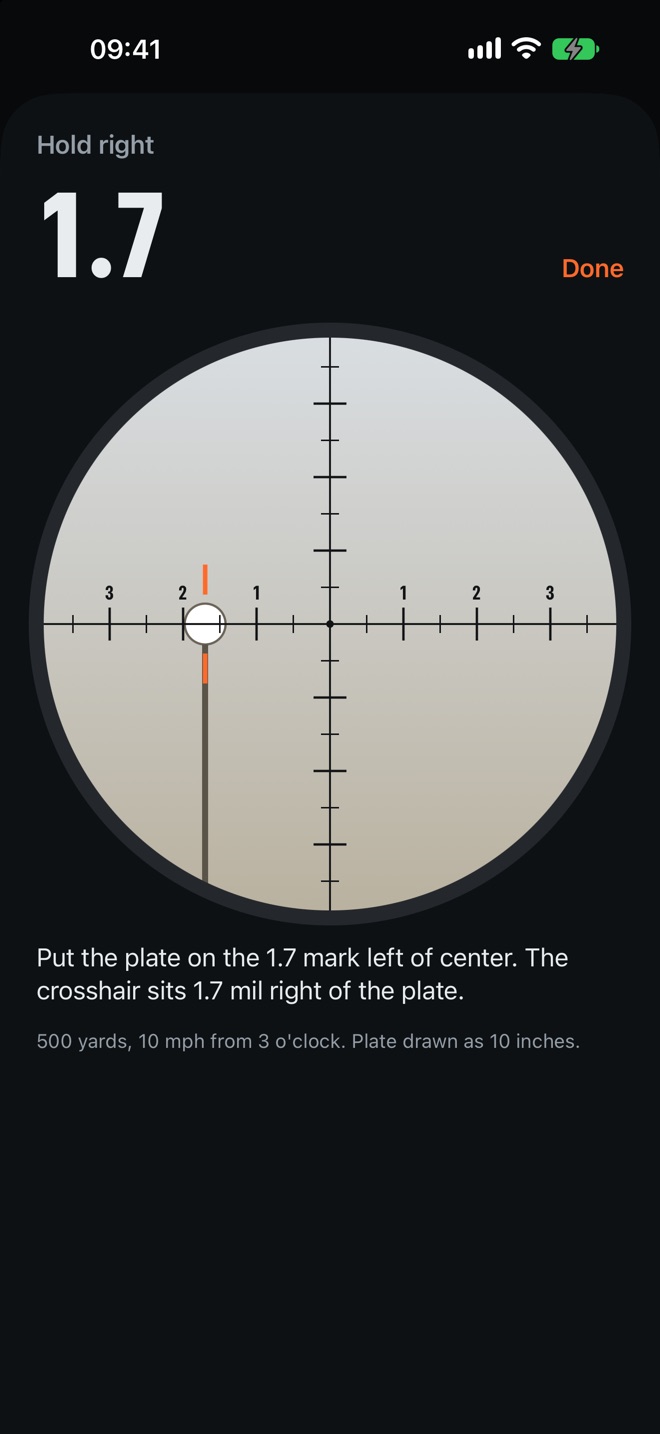
The hold shows at the top right of Wind. Press and hold it to see it drawn in a mil reticle.
Confirm your DOPE
Shoot, then correct the dial:
- Hit high? Tap Hit high to come down a click.
- Hit low? Tap Hit low to go up a click.
- Center? Tap Hit center, save.
Saved numbers show as Your dope and replace the calculated value for that range. Reset takes you back to the calculated number.
Read the DOPE card
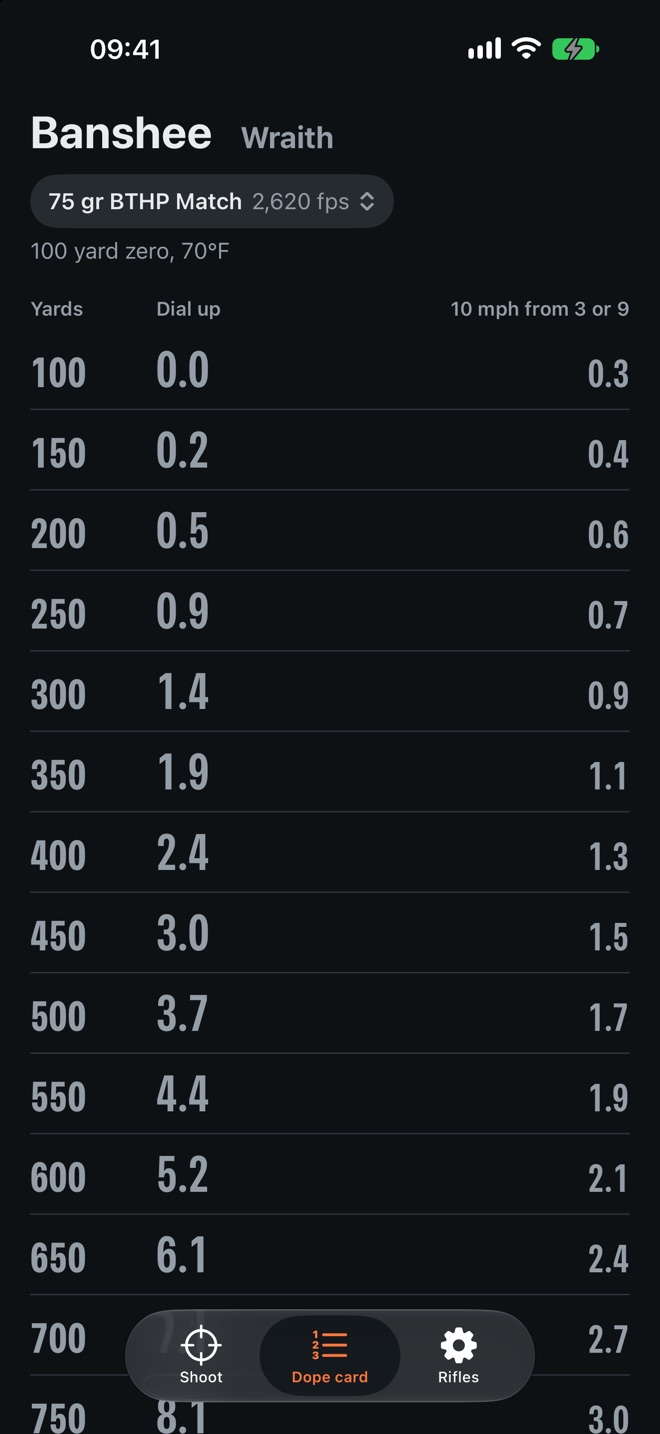
Open Dope card for every range from your zero out, with the dial-up and the hold for a 10 mph wind from 3 or 9. Rows you’ve confirmed show your number; the calculated value sits beneath it.
To remove a saved number, press and hold its row and choose delete.
Questions? Email support@steelturret.com.